Ditch the Pickleball Group Chat | Main Court
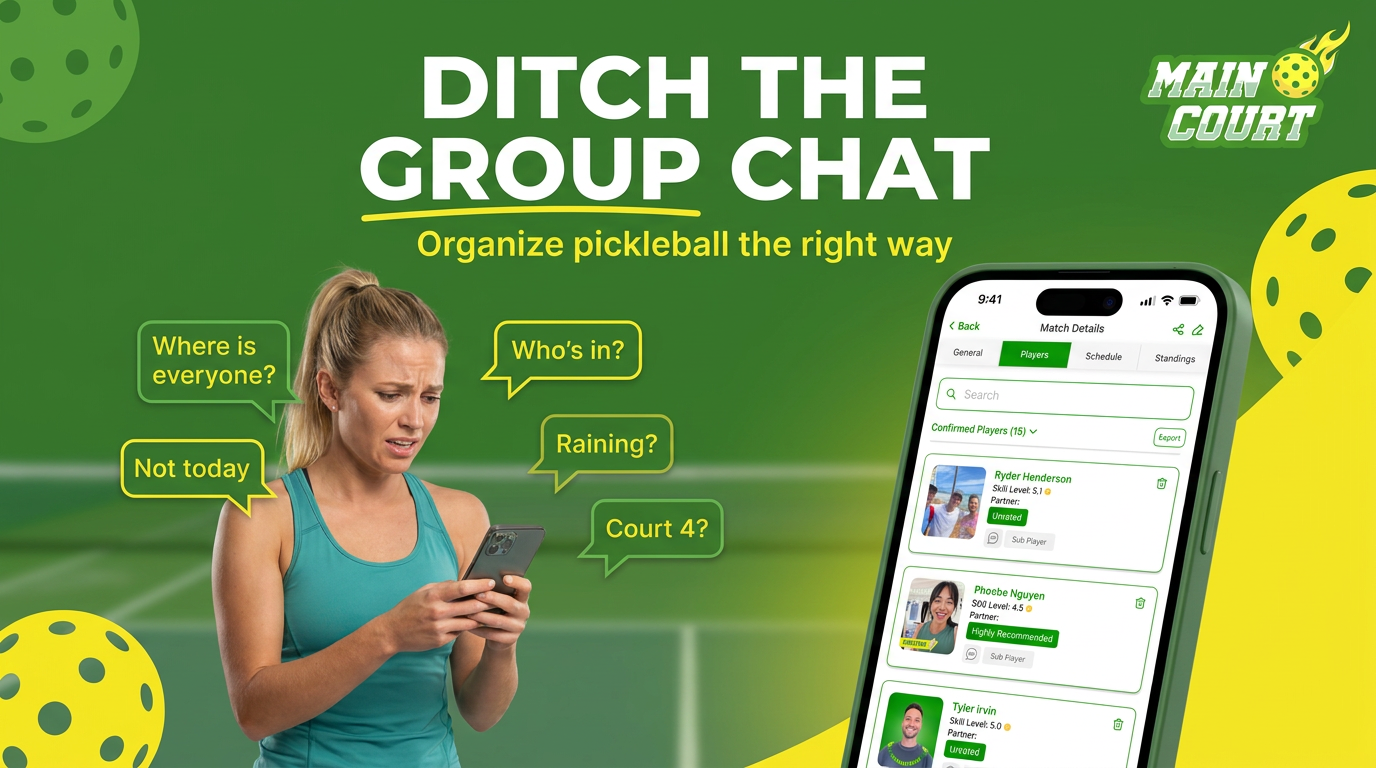

If you organize pickleball through a group chat — Facebook, WhatsApp, or SMS — you already know the drill. You post, you wait, you chase replies, you manage a cancellation at 7am, and by the time you've sorted it all out you've spent more energy on logistics than on actually playing. Your pickleball group chat was never built for this.
The Group Chat Was Built for Talking. Not Organizing.
Facebook groups, WhatsApp threads, and SMS chains are communication tools. They're good at sending messages. They are not good at managing RSVPs, tracking who's confirmed, filtering by skill level, handling waitlists, or sending reminders. Nobody built them for that — and it shows every time you try to pull a game together.
Yet this is how most recreational pickleball gets organized. Not because it works, but because nothing better existed. Until now.
What Actually Happens in a Pickleball Group Chat
Here's how a typical Wednesday game comes together in a WhatsApp or Facebook group:
Sound familiar? That's not a communication problem — it's a tool problem. You're using a chat app to do the job of a sports organizer platform.
8 Ways a Pickleball Group Chat Fails You
Facebook Groups Have a Skill Level Problem
Facebook groups have one specific failure that makes player matching nearly impossible: there's no skill filter. You post "looking for 4.0 players Saturday morning" and you get replies from everyone — 2.5s who think they're 4.0s, 5.0s who are bored, and people asking what court it's on.
The result is either an awkward conversation about turning people away, or you accept everyone and end up with a match that's a mess for half the players. Neither outcome builds the community you're trying to create.
Main Court lets you set a skill range when you create a match. Only players who qualify can see and request to join. No awkward conversations, no mismatched games.
WhatsApp and SMS Don't Scale Past 8 Players
WhatsApp and SMS threads work fine for a tight group of 6 friends who've played together for years. The moment you try to grow — add new players, manage a rotating roster, run a recurring game — it breaks down fast.
Messages stack up. Context gets lost. New players don't have the history. And every week you're starting from scratch, re-explaining logistics that should be automatic.
Organizers running games on Main Court report spending a fraction of the time on logistics compared to group chats — because the platform handles the repetitive parts: invites, confirmations, reminders, waitlists, and cancellation fills. The organizer shows up and plays.
What Organizing Pickleball Should Actually Look Like
Create a match in under 3 minutes. Set your skill range. Post it to your network or open it to the Main Court community. Players request to join, you approve. Reminders go out automatically. If someone cancels, the next person on the waitlist gets notified instantly.
You walk onto the court knowing exactly who's showing up, what level they play, and that they've been reminded twice. No chasing, no "who's still in?", no last-minute panic.
That's what organizing pickleball looks like when you're using the right tool for the job.